
 Play And Learn
 Manopole Ricambi D'epoca
 Kong Lelut
 Real Estate
 Nelly De Vuyst®
Sale!
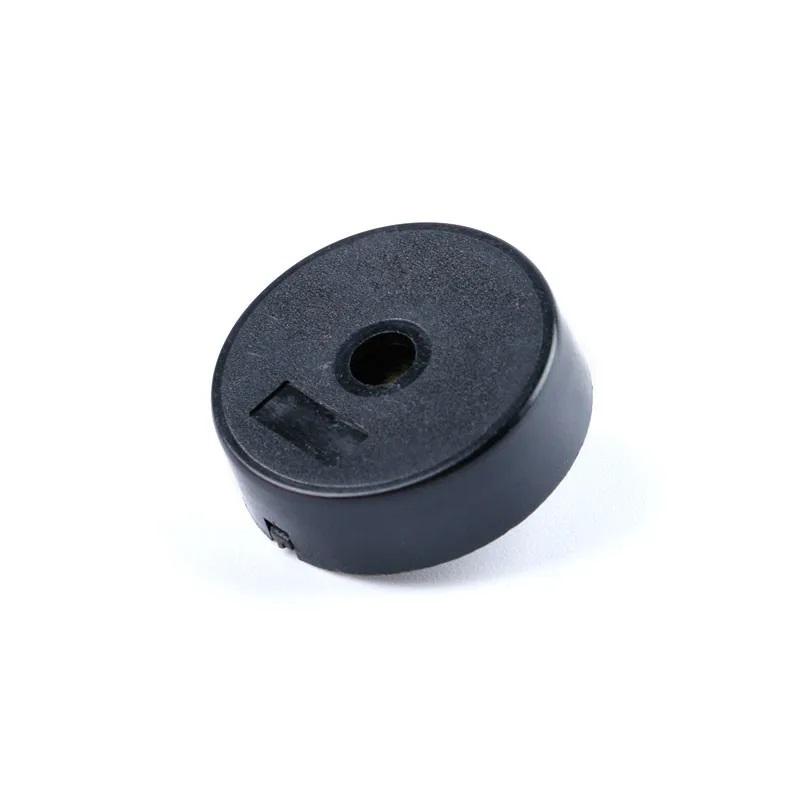
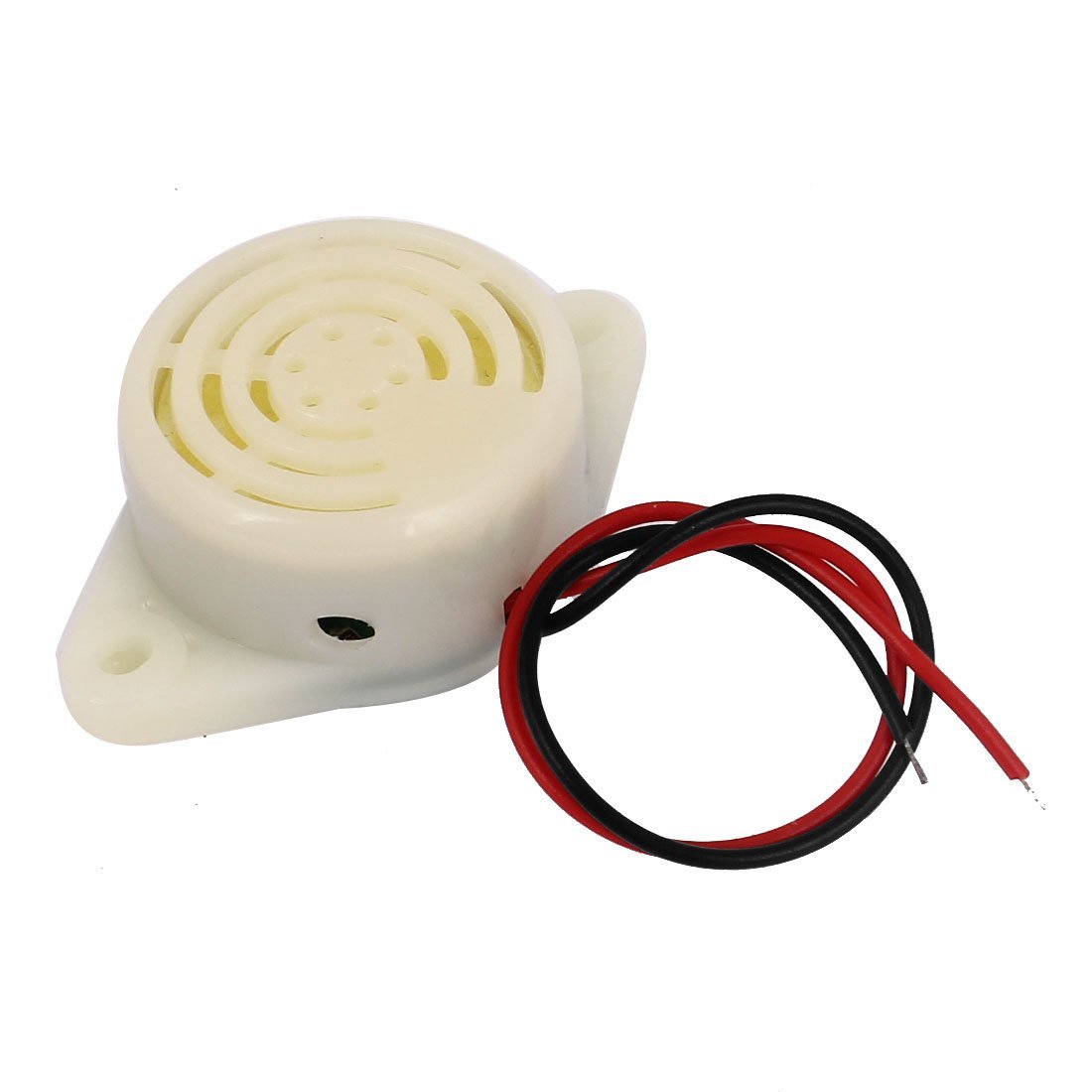
Passive Piezoelectric Buzzer 3-24V Buzzer COM22
$ 0.61
Description1.Rated Voltage:12V2.Voltage Range:3-24V3.Rated Current:≤ 10mA4.Sound Press Level:≥90dB5.Resonance Frequency:3000±500HzFrequency ResponseHow efficiently a buzzer produces sound at a given frequency.Sound Pressure Level (Unit: dB Pa)Sound pressure level, SPL, is the deviation from atmospheric pressure caused by the sound-wave expressed in decibel Pascals. It is generally proportional to input voltage and decays by 6 dB’s when doubling the distance from the buzzer.Resonant Frequency (Unit: Hz)All things have a specific frequency at which they tend to vibrate. This frequency is called the resonant frequency. For buzzers, the resonant frequency is the frequency at which they will be the loudest.Impedance (Unit: ohm)Electrical impedance is the ratio of applied voltage to current. The electrical impedance varies with frequency.Getting started with the Passive piezoelectric buzzer 3-24V Buzzer In this tutorial you will learn how to use a buzzer or piezo speaker with Arduino. Buzzers can be found in alarm devices, computers, timers and confirmation of user input such as a mouse click or keystroke.Hardware requiredArduino unoBreadboardBuzzer / piezo speaker100 Ohm resistor (optional)Connecting the Hardware CODE const int buzzer = 9; //buzzer to arduino pin 9 void setup(){ pinMode(buzzer, OUTPUT); // Set buzzer - pin 9 as an output } void loop(){ tone(buzzer, 1000); // Send 1KHz sound signal... delay(1000); // ...for 1 sec noTone(buzzer); // Stop sound... delay(1000); // ...for 1sec } RESULTS It’s simple, tone(buzzer, 1000) sends a 1KHz sound signal to pin 9, delay(1000) pause the program for one second and noTone(buzzer) stops the signal sound. The loop() routine will make this run again and again making a short beeping sound.(you can also use tone(pin, frequency, duration) function)Play with the project now by changing the code. For example, try to change sound signal “1000” (1KHz) to “500” (500Hz) or delay time and see how it changes the program.






 Home
Home  Shop
Shop  Basket
  Account